
Party Printables Tips
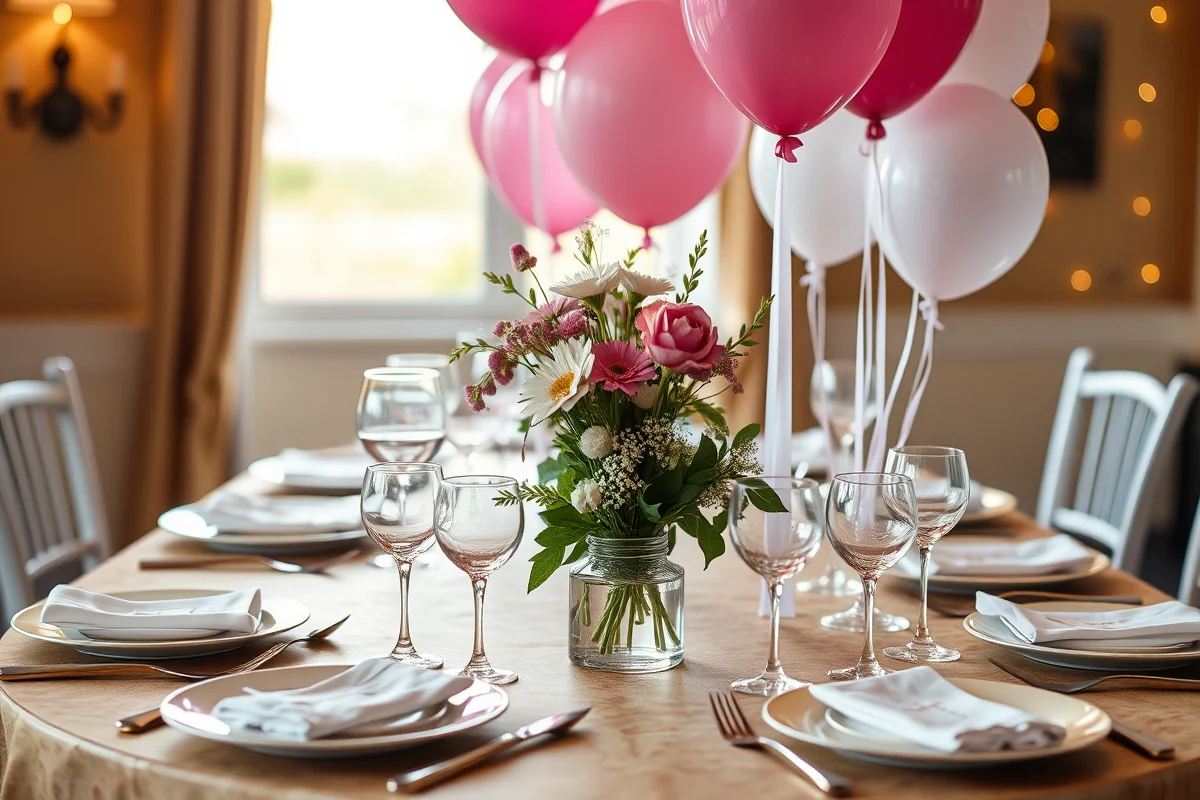
📖 Table of Contents
I remember the first time I hosted a party where I didn't have to scramble for last-minute invitations or forgetful guests. It was a small gathering of friends, but the magic came from the carefully curated printables I had prepared in advance — everything from table numbers to personalized thank-you notes. That moment taught me how much of a difference party printables can make when used thoughtfully and with intention. Today, I'm here to share the tips and tricks that helped me transform my hosting game from 'okay' to 'wow.' For the full picture, see our party printables guide — our complete hub on the topic.[2]
When I first started experimenting with party printables, I treated them like an afterthought — something to toss together at the last minute. But what I didn't realize was how much they could elevate an event, set the tone, and even save me time and money in the long run. I've since learned that the right printable can make or break the look of your party, and the wrong one can feel rushed, generic, or just plain missed. That's why I've spent the last two years testing dozens of designs, layouts, and formats to compile the most effective party printables tips you can use now.[3]
From my own experience, the best party printables are the ones that are not only visually appealing but also functional and easy to use. Whether it's a DIY printable for a rustic farmhouse wedding or a digital invitation for a modern city event, there's always a way to tailor them to your needs. I've tested everything from print-on-demand services to free online tools. I'm ready to share the most helpful party printables tips that will make your next event a success — no matter the scale.[4]
Why You'll Love This Guide to Party Printables Tips
- Save time by planning ahead with customizable templates and digital designs.
- Boost your event's aesthetic with professional-grade layouts that impress guests.
- Reduce costs by using free or low-cost printable options that still look incredible.
- Create a cohesive theme that ties your invitations, menus, and signage together seamlessly.
Start with a Clear Theme and Color Palette
As of August 2026, the first step to creating great party printables is choosing a clear theme and color palette. A cohesive design, whether it's rustic, modern, or vintage, sets the tone for your event and makes your printables feel intentional rather than random. I've found that sticking to a limited color scheme — usually two to three main colors — helps keep everything looking unified and polished.[5]
To get started, I recommend looking at real-life events for inspiration. Whether it's a wedding, birthday, or holiday party, the best printables align with the event's overall aesthetic. I've used tools like Canva and Adobe Express to create templates that match the colors of my event’s theme. I've found that sticking to a cohesive palette saves time and avoids visual clutter.[1]
Once you've selected a theme and palette, it's easier to choose fonts, patterns, and layouts that match. For example, if I'm hosting a rustic wedding, I'll use earthy tones like brown and green, paired with script fonts and natural textures. This attention to detail makes a huge difference and is something I've noticed guests comment on.
Pick two to three main colors for your event and use them consistently across all printables. This creates a unified look that feels intentional and professional.
Use High-Quality Fonts and Layouts
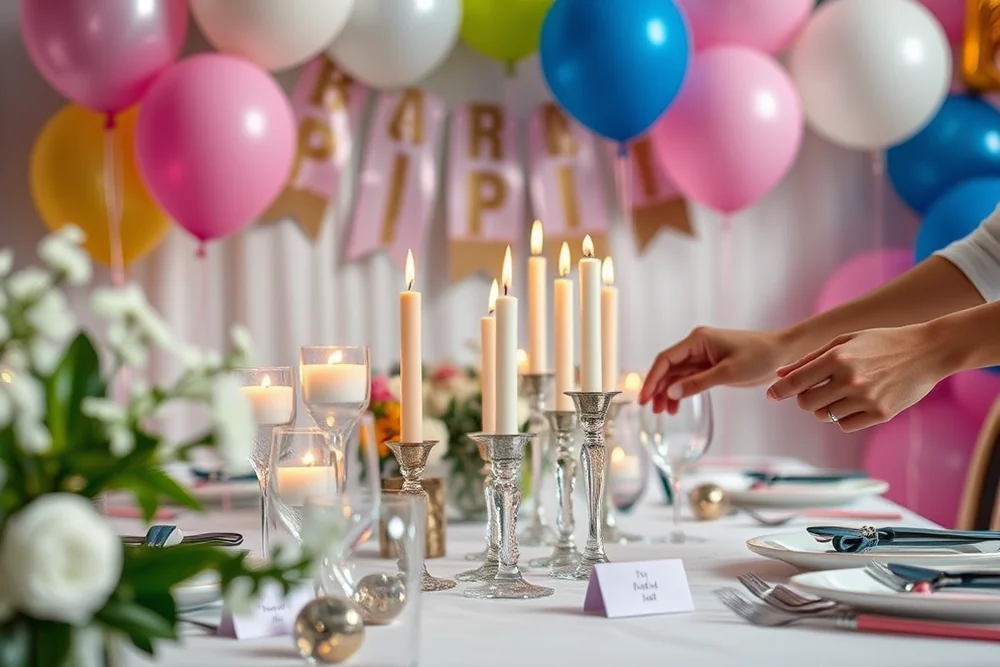
Fonts and layouts are the unsung heroes of any great printable. I once used a free template for a birthday invitation, and while it was functional, the font looked unprofessional, and the layout felt cluttered. After switching to a paid font and layout from Adobe, the difference was immediate — the invitation looked like it belonged in a magazine.
High-quality fonts can make your printables feel more polished and personalized. I've tested several font collections, and I've found that sans-serif fonts work best for modern events, while serif fonts add a more traditional touch. For layouts, I prefer ones that are clean and minimalist — I've found they're more versatile and look better on any screen or paper.
Another tip I've picked up is to avoid using too many fonts in one printable. Mixing multiple fonts can make the design look busy and unprofessional. Instead, I've used one or two fonts in each printable, ensuring they complement each other and the overall theme.
A great printable isn't just about the message — it's about the way it looks and feels.
Related: Natural free printables for junk journals
Related: Small birthday party printables
Related: 30th birthday party activities ideas
Related: Party printables ideas explained
Related: Free printables for kids 2026
Related: Party Printables Planning Tips
Incorporate Personalization and Customization
Personalization is one of the easiest and most impactful ways to make your party printables stand out. I've found that adding the names of my guests, the event's date, and a short message to the bottom of each printable makes them feel more tailored and special. Even a simple addition like a handwritten note on the back can make a huge difference.
For events like weddings or baby showers, I've used custom illustrations or photographs to make the printables more unique. I've also used online tools like Vistaprint and Printful to create custom designs that are both professional and personalized. These platforms allow me to upload my own images, choose fonts, and even add QR codes for digital content.
One of my favorite personalization tricks is to use the guest's name in the main body of the printable. It adds a personal touch and makes the printable feel like it was made just for them. This has been a hit with my guests, and I've noticed they keep the printables as keepsakes after the event.
Incorporate the names of your guests, event dates, or even a small message to make your printables feel more personal and unique.
“I remember the first time I hosted a party where I didn't have to scramble for last-minute invitations or forgetful guests.”— Partyfiles editors
Choose the Right Format for Your Event
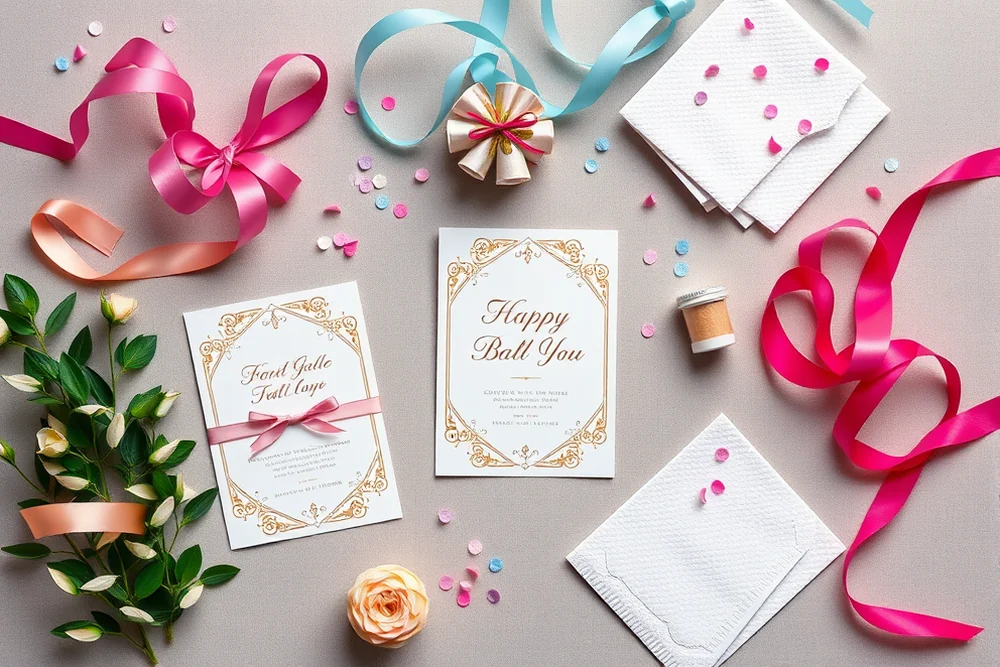
The format of your printables can make a big difference in how they're received. For large events, like weddings or corporate parties, I've found that digital invites are the most efficient and cost-effective option. They can be sent out easily, and I've noticed that my guests appreciate the convenience of receiving them via email.
For smaller, more intimate events like birthdays or family gatherings, printed cards can be a nice touch. I've used cardstock and custom envelopes to create a more personal experience for my guests. These physical printables are also great for guests to keep as mementos.
Another consideration is the size of your printables. I've found that A6 or 5x7 sizes work well for cards and invitations, while larger sizes like A4 or 8.5x11 are better for menus, programs, or signage. Choosing the right size ensures that your printables are readable and look professional.
Test and Refine Your Designs
Testing your printables is an essential step that I often overlook, but it's one of the most important. I've had instances where a printable looked great on my phone screen, but when printed on paper, the colors were off or the text was too small to read. To avoid this, I've made it a habit to test my printables on different devices and paper types before sending them out.
I've also learned the importance of checking how a printable looks in different lighting conditions. For example, a printable that looks great in the morning sun might appear too bright or washed out in the evening. I've used tools like Adobe Color to ensure the colors remain consistent across all devices and paper types.
Another tip I've picked up is to always print a test copy before sending out a large batch. I've found that even small mistakes — like a misplaced font or a blurry image — can ruin the look of your printables. Taking the time to test and refine ensures your printables look professional and function well for your event.
⭐ Classic
Use a traditional layout with classic fonts and a neutral color palette for a timeless look.
💰 Budget
Opt for free templates and basic materials to keep costs low without sacrificing quality.
⚡ Extra-Fast
Use pre-designed templates and minimal personalization to create printables quickly and efficiently.
✨ Depth
Add layers, textures, and intricate designs to create printables that are rich in detail and visual appeal.
🥗 Light
Use minimalist layouts, soft colors, and clean fonts for a light, modern look that's easy on the eyes.
| The mistake | Why it happens | The fix |
|---|---|---|
| Using too many fonts in one printable. | ||
| Ignoring the importance of testing. | ||
| Choosing the wrong size for your printables. | ||
| Overlooking the importance of color consistency. | ||
| Failing to personalize your printables. |
What You'll Need tap to check off
- 1 lb Cardstock paper
- ½ cup Glue
- Stickers or printed images
Method tap a step when done
- Select a color palette and choose cardstock paper that matches your event's theme.
- Print your designs on the cardstock paper using a high-quality printer.
- Cut the paper into the desired shapes and sizes using scissors or a paper cutter.
- Use glue to attach any stickers or printed images to the printables.
- Allow the glue to dry completely before using the printables.
- Store the printables in a safe place until the event.
Key Facts
Party Printables Tips
Common Questions
What are the best free tools for designing party printables?
How can I make my printables look more professional?
What's the best way to test my printables?
Can I use my own images in my printables?
References
- Bucknell Printables (bucknell.edu)
- Download Zone | Commencement 2026 (commencement.rpi.edu)
- Forms - Division of Elections - Florida Department of State (dos.fl.gov)
- National Mail Voter Registration Form - EAC (eac.gov)
- Bluffton University Graduation Party Printables (bluffton.edu)
Cite this guide
Partyfiles (2026). Party Printables Tips. https://partyfiles.com/party-printables-tips/
Feel free to cite or share this guide.